Project Zylo
Inkbyte is all about creative expression with a sleek digital touch. We focus on intuitive tools, smooth interactions, and a user-friendly platform that brings ideas to life effortlessly.
Inkbyte is all about creative expression with a sleek digital touch. We focus on intuitive tools, smooth interactions, and a user-friendly platform that brings ideas to life effortlessly.
Inkbyte is all about creative expression with a sleek digital touch. We focus on intuitive tools, smooth interactions, and a user-friendly platform that brings ideas to life effortlessly.
Role:
UI/UX Designer
Industry:
Energy & Sustainability
Project Type:
Task Management Platform
Platform:
Web
Project Timeline:
1 month 4 weeks
Client:

Jacob Jones
Product Manager at FutureTech
Tools Used:

Webflow

Spline

Figma
Webflow
Figma
Spline
Role:
UI/UX Designer
Industry:
Energy & Sustainability
Project Type:
Task Management Platform
Platform:
Web
Project Timeline:
1 month 4 weeks
Client:
Jacob Jones
Product Manager at FutureTech
Tools Used:
Webflow
Spline
Figma
Webflow
Figma
Spline
Role:
UI/UX Designer
Industry:
Energy & Sustainability
Project Type:
Task Management Platform
Platform:
Web
Project Timeline:
1 month 4 weeks
Client:
Jacob Jones
Product Manager at FutureTech
Tools Used:
Webflow
Spline
Figma
Webflow
Figma
Spline
%
Reduction in errors

%
Reduction in errors
%
Higher Engagement
%
Higher Engagement
%
Better Usability
%
Better Usability
%
Reduction in errors
%
Higher Engagement
%
Better Usability
Problem Statement
Many productivity and task management platforms are cluttered, confusing, or inconsistent, making it difficult for users to organize work efficiently. Zylo addresses this by providing a clean, intuitive interface that streamlines task management, improves workflow clarity, and enhances overall productivity.
Problem Statement
Many productivity and task management platforms are cluttered, confusing, or inconsistent, making it difficult for users to organize work efficiently. Zylo addresses this by providing a clean, intuitive interface that streamlines task management, improves workflow clarity, and enhances overall productivity.
Design Approach
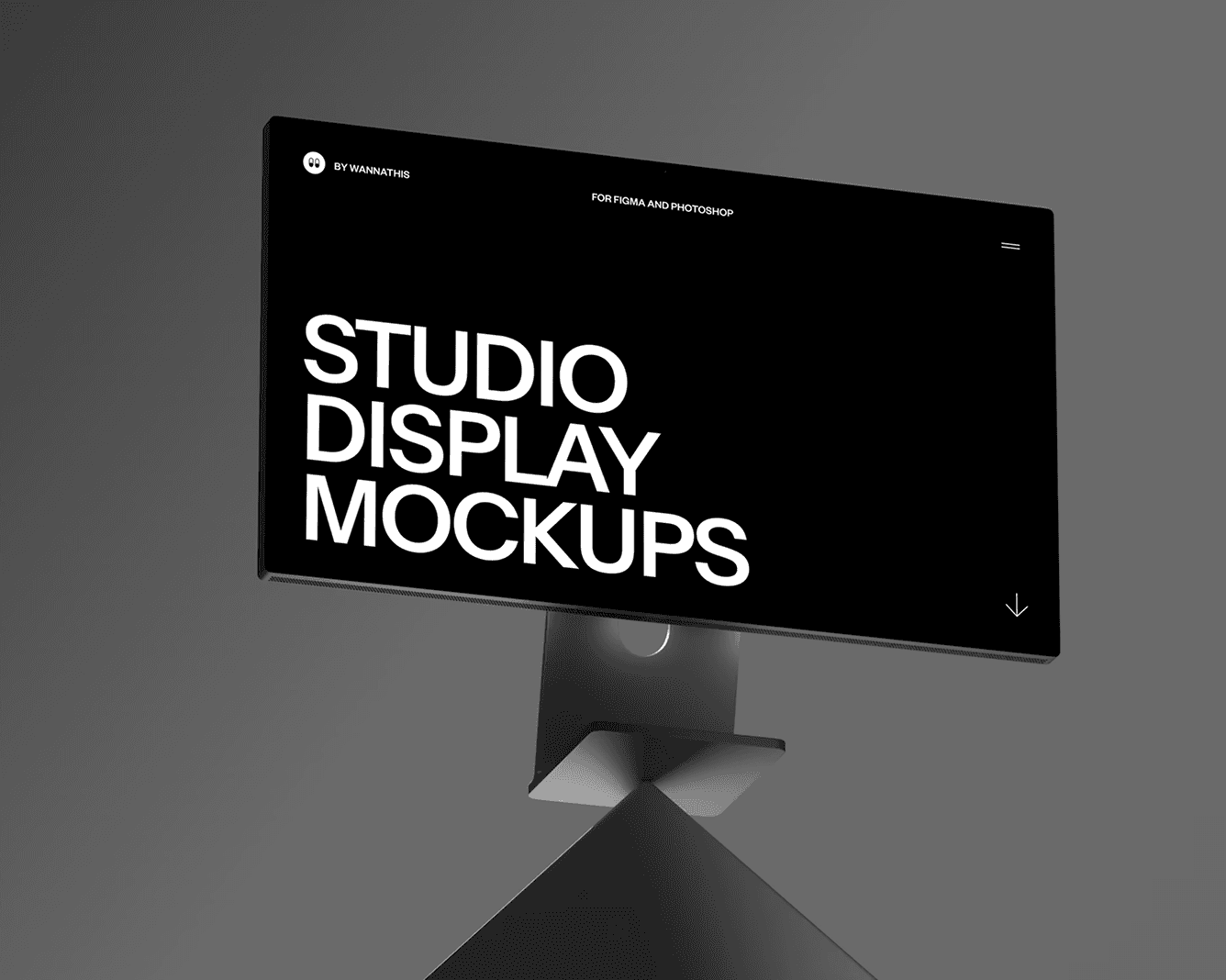
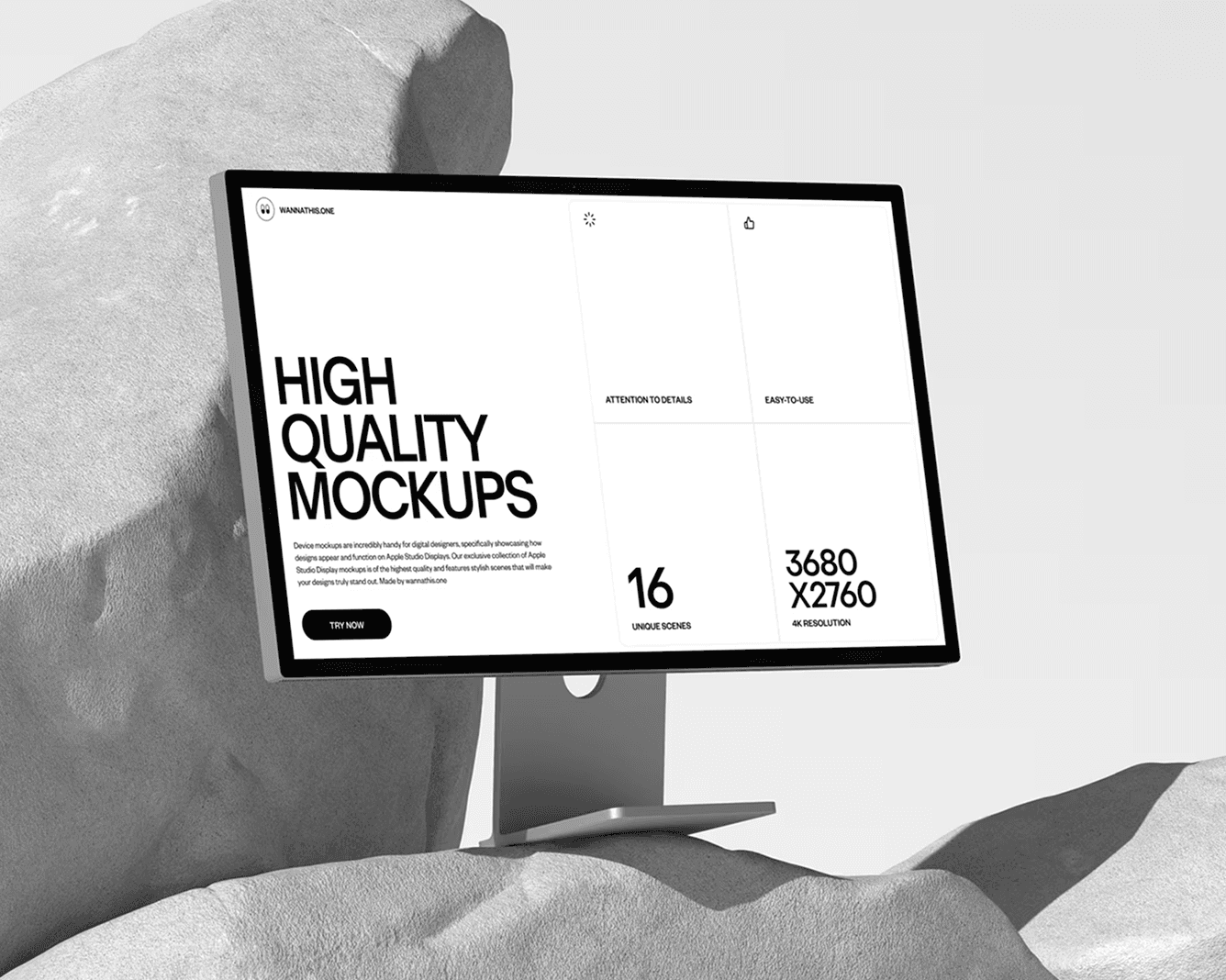
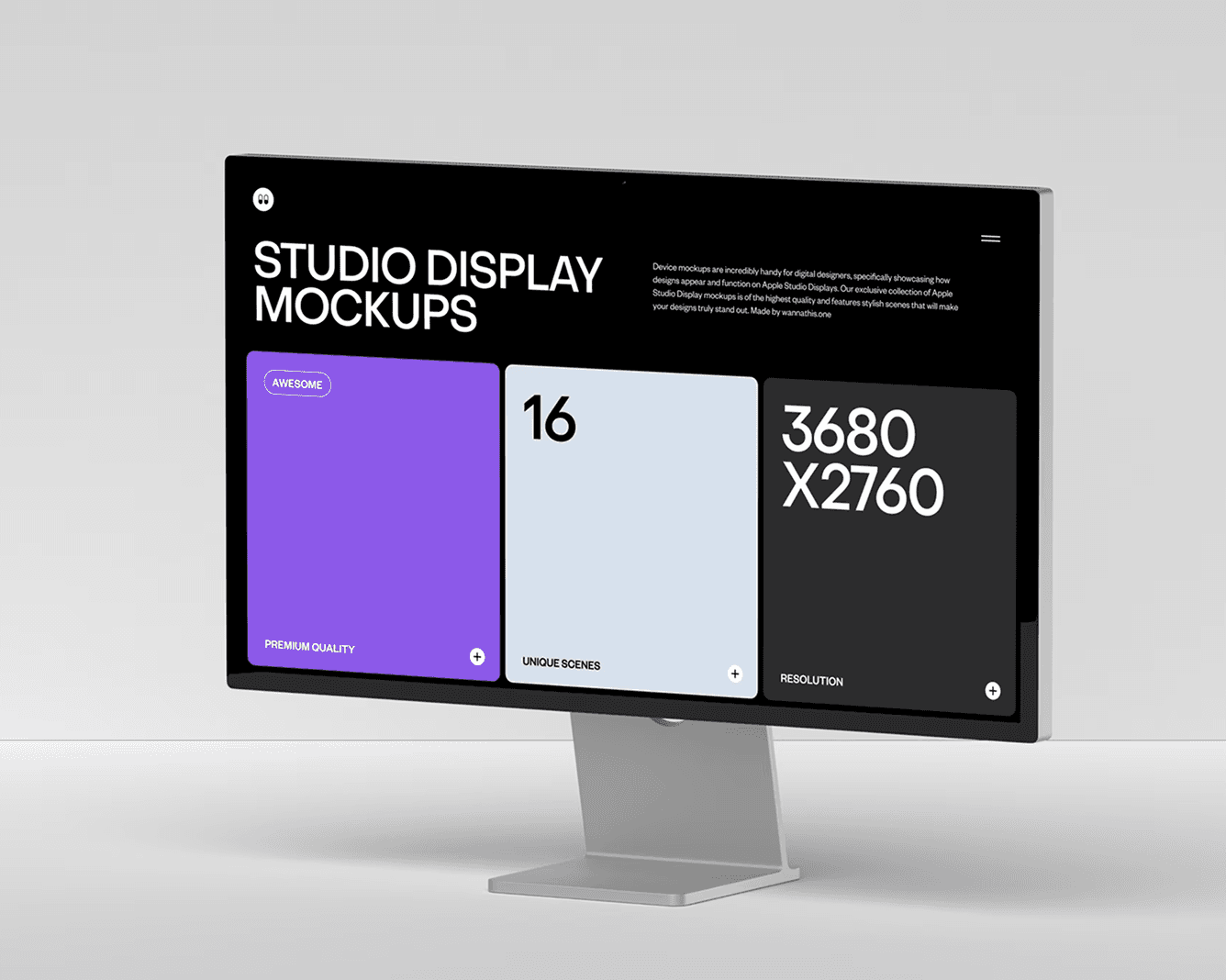
The design process began with understanding user workflows, pain points, and business requirements. Wireframes were created to map out dashboards, task flows, and notifications. A modular design system was implemented to ensure consistency, scalability, and ease of maintenance. Typography, spacing, and color usage were carefully refined to establish a clear visual hierarchy and improve readability across devices.
User Experience Strategy
In Zylo, the focus was on simplicity and efficiency. Key actions such as task creation, tracking, and prioritization were highlighted, while unnecessary elements were removed to reduce cognitive load. Familiar interaction patterns allowed users to quickly adapt to the platform. Subtle micro-interactions and smooth animations were added to provide feedback, guide actions, and keep the experience engaging without overwhelming the interface.
Visual Design
The visual language of Zylo is clean, modern, and professional. A neutral base palette with accent highlights emphasizes priority tasks and notifications. Typography choices focus on readability and clarity, reinforcing a polished productivity tool identity. Consistent styling across dashboards, task lists, and notifications ensures a cohesive and user-friendly experience.
Design Approach
The design process began with understanding user workflows, pain points, and business requirements. Wireframes were created to map out dashboards, task flows, and notifications. A modular design system was implemented to ensure consistency, scalability, and ease of maintenance. Typography, spacing, and color usage were carefully refined to establish a clear visual hierarchy and improve readability across devices.
User Experience Strategy
In Zylo, the focus was on simplicity and efficiency. Key actions such as task creation, tracking, and prioritization were highlighted, while unnecessary elements were removed to reduce cognitive load. Familiar interaction patterns allowed users to quickly adapt to the platform. Subtle micro-interactions and smooth animations were added to provide feedback, guide actions, and keep the experience engaging without overwhelming the interface.
Visual Design
The visual language of Zylo is clean, modern, and professional. A neutral base palette with accent highlights emphasizes priority tasks and notifications. Typography choices focus on readability and clarity, reinforcing a polished productivity tool identity. Consistent styling across dashboards, task lists, and notifications ensures a cohesive and user-friendly experience.

The Process Behind the Work
Discovery & Strategy
I begin by understanding your goals, users, and business requirements. This step ensures clarity, alignment, and a strong foundation for the project.
The Process Behind the Work
01
Discovery & Strategy
I begin by understanding your goals, users, and business requirements. This step ensures clarity, alignment, and a strong foundation for the project.
The Process Behind the Work
Discovery & Strategy
I begin by understanding your goals, users, and business requirements. This step ensures clarity, alignment, and a strong foundation for the project.
Key Features
Intuitive dashboard for managing tasks and workflows
Clear visual hierarchy to prioritize and organize tasks
Smooth and guided task creation, assignment, and tracking
Modular design system for consistency and scalability
Fully responsive design across desktop, tablet, and mobile devices
Focused interface that minimizes distractions and improves productivity
Focused interface that minimizes distractions and improves productivity

Alex Morgan
Product Manager, Vertex Technologies
Outcome & Impact
The final design provides a cohesive and efficient task management platform that improves user productivity, reduces friction, and streamlines workflows. Zylo demonstrates how thoughtful UI/UX design can transform a complex productivity tool into an intuitive, engaging, and effective digital experience.
Key Features
Intuitive dashboard for managing tasks and workflows
Clear visual hierarchy to prioritize and organize tasks
Smooth and guided task creation, assignment, and tracking
Modular design system for consistency and scalability
Fully responsive design across desktop, tablet, and mobile devices
Focused interface that minimizes distractions and improves productivity
Focused interface that minimizes distractions and improves productivity
Alex Morgan
Product Manager, Vertex Technologies
Outcome & Impact
The final design provides a cohesive and efficient task management platform that improves user productivity, reduces friction, and streamlines workflows. Zylo demonstrates how thoughtful UI/UX design can transform a complex productivity tool into an intuitive, engaging, and effective digital experience.
Have a Project
in Mind?
— Let’s Talk
Have a Project
in Mind?
— Let’s Talk
Have a Project
in Mind?